


TradingView for Brokers: Who Supplies the Data Behind the Chart?
TradingView supplies charting software that financial firms can embed in their own websites and applications, alongside its consumer-facing charting platform. For a broker, the important distinction is where the prices, account information and order handling come from. A chart that looks familiar does not automatically include TradingView market data or connect to an execution system.
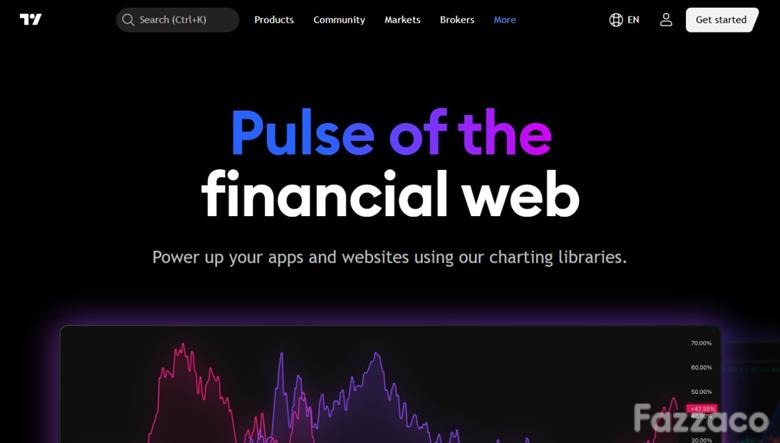
TradingView’s official charting-library overview.
Its business-facing range separates ready-made widgets, charting libraries and a trading interface. That separation determines how much infrastructure the integrating firm must provide, and whether the result is a market-information panel or an interface through which a client can manage trades.
A widget and a self-hosted chart have different data responsibilities
TradingView widgets arrive connected to TradingView data. They suit a page that needs a market display without building its own data connection. Advanced Charts, by contrast, is downloaded and hosted by the integrating business, which connects its own data. Choosing the latter therefore leaves the business responsible for making its chosen instruments and price history available to the chart.
Lightweight Charts is the company's open-source option under Apache 2.0. Advanced Charts and Trading Platform use proprietary licences. These are separate product choices, rather than three subscription tiers that unlock the same hosted service. Trading Platform carries its own licensing fees and adds trading functions to the Advanced Charts foundation.
From a symbol search to a usable price history
The Advanced Charts Datafeed API shows what connecting a chart involves. Its initial configuration tells the library which instrument types, exchanges and intervals the feed supports. Symbol search returns matching instruments; resolving a symbol then supplies details such as its trading hours and time zone. These settings give a price series meaning beyond the label displayed above it.
Consider a broker displaying an instrument called EURUSD. The name alone does not tell the chart which sessions to use or which source supplies the prices. The integration must resolve that instrument consistently. If a website shows one provider's public widget beside a broker's own dealing interface, a shared instrument name should not be treated as proof that both displays use the same price stream. That is an integration distinction, not evidence of a pricing error.
Drawing a chart is only one part of a trading screen
Trading Platform extends the interface to areas including order entry, watchlists and account-related trading functions. TradingView's documentation requires both the Datafeed API and the Broker API for the trading integration. Supplying market data alone does not complete the connection to the broker's trading operations.
It also distinguishes chart data from quote data. Methods such as getQuotes and subscribeQuotes supply values used by watchlists, the order ticket and other interface components. Depth of market requires additional depth subscriptions. Consequently, a moving chart can coexist with an incomplete dealing screen: rendering the price series does not establish that bid and ask buttons, quote updates or market depth have all been connected.
For the integrating team, this provides a concrete way to divide the work. Chart rendering, current quotes, market depth and broker actions need their respective connections. A successful demonstration of one component is not a substitute for the others.
Familiar appearance does not mean feature parity
The embedded libraries do not reproduce every feature of tradingview.com. TradingView states that Pine Script is not supported in Advanced Charts or Trading Platform; custom indicators can instead be developed in JavaScript. A broker migrating a chart-based workflow therefore needs to distinguish an existing Pine indicator from an indicator implemented for the embedded library.
TradingView's role in this architecture is to provide the charting and trading-interface components. The firm's product choice decides whether it starts with a data-connected widget or builds around its own feed and trading connections. Defining that boundary early makes the resulting client experience easier to specify: what the chart displays, which quotes populate the dealing controls, and which system receives the client's order.
 Subscribe Now