


Wintrado Technologies: PRO, NEO and Brokerage Software
Wintrado Technologies supplies a turnkey trading and brokerage technology ecosystem built around two trading applications, PRO and NEO, together with CRM, an affiliate portal, liquidity integration and backend administration. The product structure gives brokers a choice of customer-facing experience while keeping account and operational workflows within a broader technology offering.
PRO emphasises charts, analysis and position management. NEO uses a simplified, visually responsive interface with one-click trading. For a broker, the choice concerns how customers interact with instruments, orders and account information, as well as how staff support that experience through the back office. Wintrado also markets the ecosystem to proprietary trading firms, although each deployment still needs a defined business model and configuration.
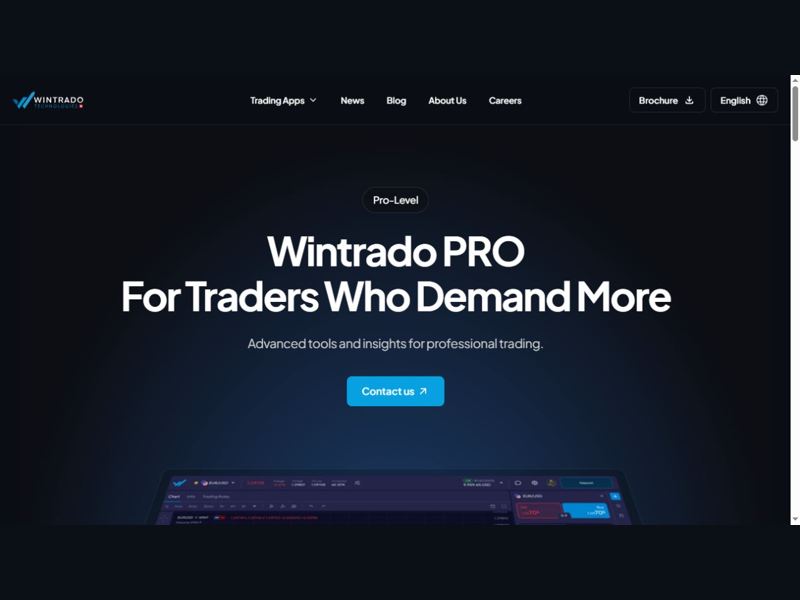
Wintrado PRO product page. Source: Wintrado Technologies.
Two trading applications within a turnkey offering
Wintrado’s homepage lists branded applications, CRM, affiliate functionality, liquidity bridges, copy trading, REST APIs and payment-service connections within its offering. It states that the platform is available in 18 languages and has more than 20 PSP connections. Those figures describe the vendor’s published product scope; the relevant deployment question is which languages and connections the operator will actually enable.
The shared proposition is broader than replacing a chart screen. A brokerage needs customer registration, account funding, trading access, servicing and administration to work together. Selecting a trading application therefore also involves tracing how the same customer appears in the portal, CRM and operational records.
A broker with several customer segments can assess PRO and NEO as different interfaces to its intended trading service. The assessment should start with the information and actions each segment needs, rather than assuming that a more complex interface or a shorter interaction is always preferable. Instrument configuration, account conditions and customer communications must remain consistent with the chosen service.
PRO: charts, alerts and account visibility
Wintrado describes PRO as a cloud-based platform supporting Windows, Mac, Android and iOS. Its homepage highlights TradingView charts, while the dedicated PRO page describes line and candlestick charts, technical indicators, drawing tools and price alerts. The page lists chart timeframes from one minute to one hour.
Price alerts can be configured for a symbol with a selected bid or ask level and an expiry date. This is a concrete interface detail: an alert on the bid and an alert on the ask do not necessarily trigger at the same moment. Making the selected price side visible helps customers understand what they are monitoring and gives support teams a clearer reference when explaining an alert.
PRO also presents historical percentage price changes and sentiment information. These features add context to the trading screen. Brokers implementing them should establish how the displayed measures are labelled and explained, especially where a customer may otherwise confuse a market-performance measure with the performance of their own account.
Order entry and position management in PRO
The July 2025 product walkthrough describes asset selection across currencies, indices, commodities and cryptocurrencies. It shows balance, equity, margin, free margin and margin level updating on screen. The order panel supports buy and sell positions, volume adjustment, stop-loss and take-profit levels, with margin information presented during the process.
The same walkthrough describes modifying and closing open positions, confirmation steps and a Closed Trades view containing historical P/L. These are connected parts of an account journey: a customer chooses an instrument, assesses available resources, enters an order, manages the position and later reviews the recorded result.
The July 2024 release notes add useful implementation detail. They describe a percentage-based trailing stop-loss in PRO and order-size buttons that move in the configured symbol’s minimum increment, from its minimum to maximum order size. These controls depend on instrument settings, so a broker should check the displayed limits against its actual contract specifications during acceptance testing.
A representative test can follow one supported order from entry through modification and closure, then reconcile the closed-trade record with the account figures. Repeating this with different symbol increments and position sizes helps the operating team verify how the interface expresses the product configuration.
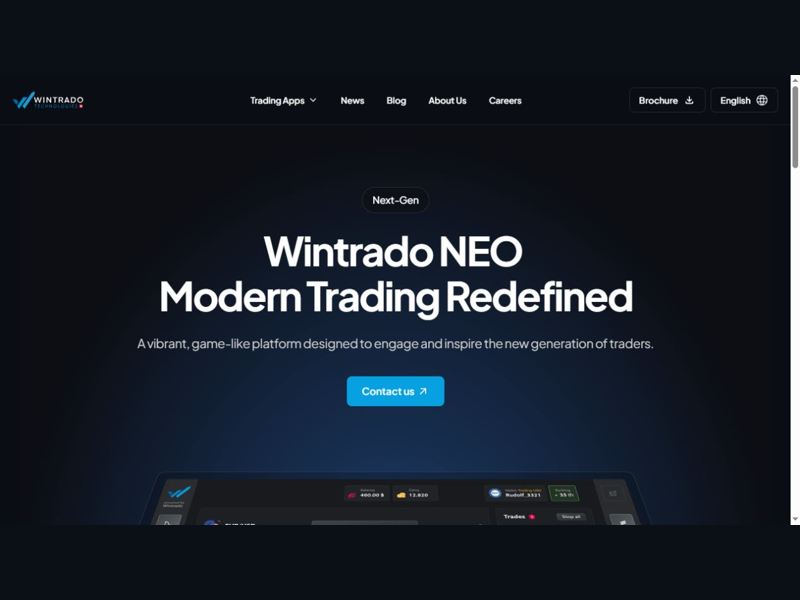
Wintrado NEO product page. Source: Wintrado Technologies.
NEO: a compact trading workflow
NEO is positioned as a visually engaging application with simplified charts, one-click trading and visual and audio feedback. Wintrado describes position-size and duration controls, a close-all-trades action and access to features on one screen. The dedicated page lists iOS and Android availability and describes support for forex, stocks, crypto and other markets.
Its emphasis differs from PRO’s analytical workspace. NEO places more attention on a compact interaction and immediate feedback. A broker considering the interface can examine how clearly it presents order size, account status and the outcome of a trading action, including on smaller mobile displays.
The vendor uses game-like language to describe NEO’s design. For brokerage implementation, the relevant consideration is how that visual style supports understanding of real trading actions. A sound user journey should distinguish a button press, a submitted instruction and a completed transaction, while keeping important account information accessible. The operator’s enabled instruments and trading conditions determine the actual service offered through the application.
Comparing the published interface focus
| Area | PRO | NEO |
|---|---|---|
| Interface emphasis | Charts, analysis and detailed position management | Compact layout, simplified charts and responsive visual design |
| Published controls | Volume, stop-loss, take-profit and price alerts | Position size, duration, one-click trading and close-all action |
| Information focus | Account metrics, historical trades and market context | Immediate visual and audio trade feedback |
| Deployment consideration | Explain chart, order and account settings consistently | Keep the status and consequences of actions clear within a short workflow |
The comparison reflects the way the official product pages present the applications. It does not imply that every function available in one application is absent from the other. A broker can use its own demonstration environment to confirm the precise feature set, enabled markets and branding for its intended configuration.
Customer back office and demo-wallet journeys
The July 2024 release notes describe clearer separation of LIVE and DEMO wallets in the customer back office. They also describe customer-created wallets, an operator-defined maximum number of wallets and self-service demo-wallet top-ups up to a configurable amount. These settings give the operator control over the structure of a trial experience.
For onboarding, the practical workflow connects registration, demo access and a later decision to fund a live wallet. Customers need to understand which environment they are using, while the operator needs consistent records of wallet creation and account activity. The published wallet controls provide specific configuration points for that journey.
The release also introduced a simulated payment provider for isolated demo and testing environments. Its purpose is to exercise successful and failed deposit paths without using a real PSP. This is useful as a testing concept: the customer-facing success message, the account record and the operational status should agree for both outcomes before a production payment connection is introduced.
Administration, APIs and operational traceability
Wintrado includes CRM and an affiliate portal in its turnkey proposition and lists REST APIs among the integration options. The July 2024 notes provide one specific example of operational data exposure: order IP addresses became available through the Admin Portal and Admin APIs, in addition to trading-server logs.
That example illustrates why a broker should examine the administrative record as well as the trading screen. When a customer reports an order issue, staff need to connect the customer, order and relevant technical information. Access to the necessary record can shorten the path from a support query to a documented investigation.
API planning should begin with the records a business needs to exchange. A brokerage connecting an existing reporting or customer-management system can identify the required identifiers, fields and update direction, then verify them in the available interface documentation. This avoids assuming that the presence of an API automatically covers every internal workflow.
Liquidity and payment connections in the launch plan
Liquidity integration and PSP connectivity are part of Wintrado’s published ecosystem. Their implementation involves separate commercial and technical work. A connection may be supported by the platform while the operator still needs an approved relationship, agreed terms and the appropriate account configuration with the provider.
For liquidity, the launch plan should map the intended instruments and trading conditions to the configured connections. For payments, it should trace a deposit or withdrawal through the provider response, customer notification and account record. These are different workflows, but both must produce information that operations staff can reconcile.
Wintrado advertises branded setup within five days, alongside technical support and staff training. The five-day statement is a vendor implementation claim, rather than a complete timetable for every brokerage launch. The project plan should identify which inputs must already be ready, including branding assets, business settings and external provider arrangements.
Putting the platform into an operating process
A useful pilot joins the customer experience to the administrative workflow. It can begin with a demo wallet, proceed through the chosen trading application and end with an account review in the back office. A second path can test funding outcomes and a support investigation. The aim is to establish whether the same activity is understandable to both the customer and the operating team.
Product updates should also be reviewed against that workflow. Changes to wallet controls, order-size inputs or mobile application behaviour can affect customer guidance and staff procedures even when they do not change the overall product proposition. Wintrado’s published release notes offer concrete examples that a broker can use when defining its own release-acceptance process.
The central selection decision is how the PRO or NEO experience fits the broker’s service and how the surrounding ecosystem supports it. A coherent implementation connects the application, customer portal, CRM, provider arrangements and support responsibilities, giving the business a working trading service rather than a collection of disconnected screens.
 Subscribe Now